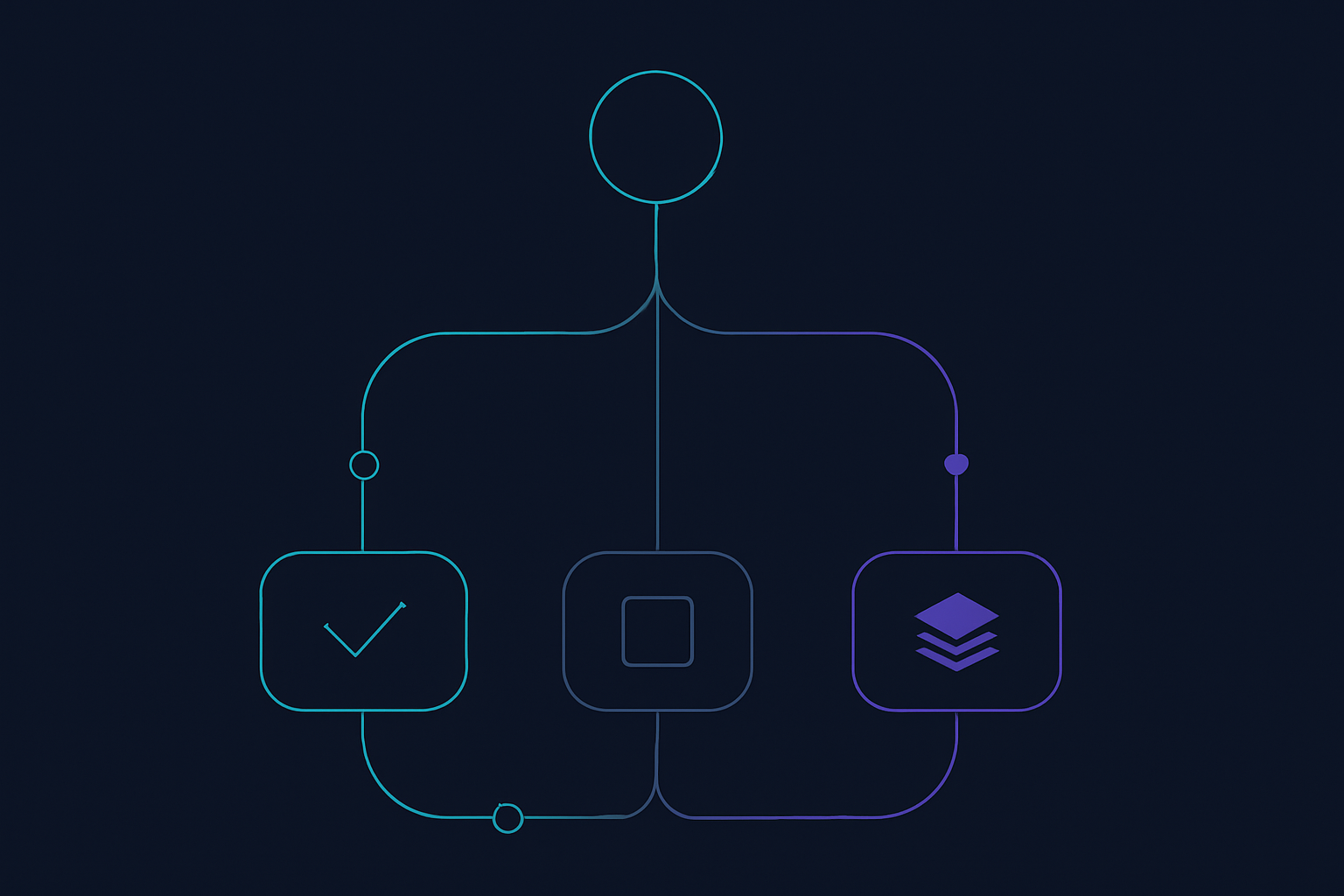
The build vs. buy decision for workflow automation should begin with the workflow itself, not with a preferred technology category. A purchased product may be a sound fit when it supports the work your team actually needs to do. A custom application may be justified when the important parts of the workflow need more control than configuration can provide. A hybrid design may be the clearest option when standard systems can remain in place while custom software handles the experience, orchestration, or exceptions around them.
The practical question is not whether buying is faster or building is more flexible in the abstract. It is which option gives the organization an acceptable fit for the workflow, a workable operating model, and appropriate control over decisions, data, integrations, and future change.
This article provides a review-first framework for business and product leaders. It does not rank vendors or promise a universal answer. Instead, it helps a team document the workflow, compare buy, build, and hybrid options against the same criteria, and make the resulting tradeoffs visible before committing to a broader implementation.
What build vs buy workflow automation means
For this decision, define workflow automation as the coordinated path from a triggering event to an intended business outcome. That path can include information intake, validation, routing, approvals, records, communications, and downstream updates. It may support internal operations, customer-facing work, or both.
Buy: configure a product for a defined capability
Buying means adopting a SaaS application, workflow platform, or specialist product and configuring it around the process. The product provides much of the application and operating environment. Your team decides whether its configuration model, permissions, data handling, integrations, and release process are suitable for the requirements that matter.
Buying deserves serious consideration when the capability is sufficiently common, the meaningful requirements fit supported configuration, and the organization can consciously accept the product’s constraints. The evaluation should use representative workflow cases rather than relying only on a feature list or demonstration.
Build: own the workflow experience and logic
Building means creating software for the workflow’s specific interfaces, decision logic, integrations, and controls. The result may be a focused internal tool, a customer-facing capability, an integration service, or a larger product component.
Custom software creates latitude over the workflow and its roadmap, but it also requires explicit ownership. A team needs decisions about product direction, operational support, security, technical change, and ongoing prioritization. Build is therefore an option to evaluate when control over the important details is valuable enough to justify that responsibility.
Hybrid: buy the standard layer and build the differentiating layer
A hybrid model separates the workflow into components. A team might retain a purchased system as the authoritative record, use another service for a standard capability, and build the layer that connects systems, guides users through work, or makes exceptions visible.
Hybrid is not an indecisive compromise. It is an architectural choice that can reserve engineering effort for the parts of the workflow where tailored behavior is needed. The boundary must be explicit: stakeholders should be able to identify which system owns each rule, which system holds each authoritative record, and where users go when a workflow step fails.
Map the workflow before comparing solutions
Before scoring products or estimating custom development, map the current workflow and the intended workflow. The map does not need to be elaborate. Its purpose is to make assumptions available for review while they are still inexpensive to challenge.
For each workflow, identify:
- Trigger: What event starts the work, and how is the event detected?
- Inputs: Which requests, records, documents, or signals are needed?
- Authoritative records: Which system should be treated as the source for each important item of information?
- Decisions: Which decisions are fixed rules, and which require context or judgment?
- Exceptions: What happens when information is missing, a rule conflicts, an integration fails, or a reviewer disagrees?
- Permissions and approvals: Who may view, edit, approve, release, or override an action?
- Outputs: Which records, tasks, notifications, or downstream updates should result?
- Ownership: Who owns business policy, technical operation, and day-to-day support?
- Success criteria: What observable conditions would show that the workflow is operating as intended?
Include the work that happens outside the nominal process: emailed approvals, spreadsheets, duplicate entry, informal escalation, and manual reconciliation. These details are not necessarily failures, but they are decision points. If an option cannot accommodate a material exception without obscuring it, the proposed solution boundary may need revision.
It is also useful to separate stable rules from variable judgment. A stable rule might route a request using a defined account attribute. A variable judgment might involve interpreting incomplete information or deciding whether a case should be escalated. This distinction helps the team see where deterministic automation is appropriate and where a person, or an AI-assisted review step, may remain necessary.
A weighted build vs buy workflow automation scorecard
A scorecard is not a substitute for judgment. Use it to give business, product, operations, engineering, and security stakeholders a shared way to compare options. Score buy, build, and hybrid against the same criteria, using a simple scale such as one to five. Agree weights before discussion when possible, especially where data boundaries, user experience, or operating ownership are central to the decision.
Strategic differentiation
Ask whether control over this workflow supports an operating method, customer experience, or partner interaction that the organization intends to preserve or develop. The process does not need to be unique in every detail. The relevant question is whether control over its meaningful details matters.
Public product-development positioning from Nicer similarly frames product work around deciding what is worth building and how a product should stand out. Treat that as a useful market framing, not as evidence that custom development is right for every workflow.[1]
Process fit and exception depth
Test the ordinary path, then score the exceptions. Can the option represent the important steps without pushing them into notes, exports, untracked conversations, or informal approval chains? Can users see why an item was routed, stopped, or escalated? Where a solution requires many workarounds to represent the real process, reconsider the fit or the system boundary.
Integrations and data boundaries
List every system that supplies or receives information. For each connection, document the authoritative record, the expected timing, failure handling, access permissions, and reconciliation approach. These questions apply equally to SaaS configuration, custom services, and hybrid designs.
User experience and operating conditions
Consider the people who will use the workflow. Do they need role-specific views, a focused work queue, mobile access, a customer-facing journey, or a sequence of review steps that a general-purpose product cannot express well? Also identify what users will need to change in their daily work. These are product and service-design questions, not only implementation details.
Governance, security, and auditability
Specify the controls the workflow requires: access roles, approvals, records of important actions, escalation paths, and change authority. Then evaluate whether the chosen approach makes those controls understandable and practical to operate. The decision should identify what reviewers need to see and which actions must be blocked when required information or permission is absent.
Delivery effort and ongoing ownership
Compare the work beyond initial implementation. Buying can include evaluation, configuration, migration, integration, access administration, training, and operating procedures. Building can include discovery, design, development, testing, deployment, monitoring, and a backlog for future change. Hybrid work combines responsibilities from both paths.
ScaleOrange’s public service description is one example of product-engineering work being presented across architecture, design, development, quality assurance, deployment, and ongoing iteration.[2] Regardless of delivery model, name the accountable owner for each workflow layer instead of treating long-term operation as an implied handoff.
Reversibility and future change
Ask how a team could change a rule, replace a component, export needed data, revise an integration, or alter a user journey if priorities change. Reversibility does not mean avoiding commitment. It means deciding deliberately where the workflow needs flexibility and how that flexibility will be maintained.
After scoring, write a short recommendation that identifies the two or three criteria that determined the outcome. If the decision cannot be explained without a large spreadsheet, the narrative and assumptions may need further review.
When buying is the stronger starting point
Buying may be the proportionate starting point when a workflow is a standard business capability and a product can cover the material requirements through supported configuration. It may also fit when the organization wants to reserve product and engineering capacity for a different problem.
Before selecting a product, conduct a structured fit review:
- Walk through representative cases, including known exceptions.
- Confirm how the proposed configuration handles roles, approvals, and activity records.
- Review each required integration and identify the authoritative record.
- Clarify where any custom logic would live.
- Document constraints that come from the product rather than from the intended workflow.
- Assign ownership for configuration, access administration, data quality, and vendor management.
The key discipline is to accept product constraints consciously. If the team changes a process to fit a purchased tool, record why the change is acceptable. If a requested customization is important, distinguish a supported extension from a workaround that depends on manual intervention.
When custom workflow software deserves evaluation
Custom workflow software deserves evaluation when the organization needs control over an experience, process, or integration boundary that a packaged option cannot support cleanly. This can include workflows that coordinate multiple systems, require tailored queues and approvals, or must evolve as part of a product roadmap.
Start with a narrow scope. Define the smallest useful workflow slice: one trigger, a limited user group, a manageable set of decisions, and a clear fallback if the new path is unavailable. This creates an opportunity to review the operating model before treating every adjacent request as part of an initial release.
Building also needs explicit ownership decisions. Someone must own process policy. Someone must prioritize the backlog. Someone must own the service in operation, including incident handling and change control. Those responsibilities can be shared between an internal team and a product engineering partner, but they should be named before implementation.
Why hybrid workflow automation can be the clearest option
Hybrid architecture is useful when a workflow has both standard and differentiating elements. A team can retain existing systems for the functions they already support, then build only the layer that needs to coordinate data, apply organization-specific rules, create a focused user journey, or manage exceptions.
For example, a workflow may use one system as the authoritative record, an established identity service for access, and a configurable service for notifications. A custom layer can then present a shared work queue, validate information across systems, guide reviewers through decisions, and submit approved changes to the appropriate record.
Document a contract between layers. It should state which service owns each rule, which data crosses each boundary, how errors are shown to users, how changes are tested, and which team investigates first when an issue appears. This turns hybrid from an informal collection of tools into a reviewable operating design.
How AI changes the workflow automation decision
AI-assisted workflows need a separate governance lens because the system may classify, summarize, recommend, draft, or initiate actions within the workflow. The design decision is not limited to whether a model or platform is purchased. It is also about the authority given to the AI component and the controls around that authority.
Start by defining the role:
- Assistant: The system prepares information for a person, who retains the decision and action.
- Recommender: The system proposes a classification or next step, with a defined review point before consequential action.
- Initiator: The system begins a bounded action under defined permissions, with fallback and escalation behavior.
As the scope of automated authority increases, make the review more specific. Microsoft’s responsible AI approach identifies fairness, reliability and safety, privacy and security, inclusiveness, transparency, and accountability as considerations for responsible AI delivery.[3] Use those considerations to form practical questions: What information may the system access? What output may it produce? Which actions require approval? How can users understand a recommendation? Who may change instructions, permissions, connected tools, or evaluation criteria?
For machine-learning workloads, AWS’s Machine Learning Lens identifies operational excellence, security, reliability, performance efficiency, cost awareness, and lifecycle governance as areas to consider.[4] Google Cloud’s MLOps guidance describes automated validation, deployment controls, monitoring, and continuous improvement as part of mature machine-learning delivery.[5] Together, these sources support treating an AI-enabled workflow as an operating capability with validation and oversight, rather than as a one-time prompt configuration.
Where a workflow uses a large language model, bring security review into the design phase. OWASP’s Top 10 for Large Language Model Applications includes prompt injection, sensitive-information disclosure, supply-chain vulnerabilities, excessive agency, and insecure output handling among the risks it addresses.[6] Define permissions, treatment of untrusted content, output validation, logging, review points, and a safe fallback path before allowing the system to take bounded actions.
For related planning considerations, see Exitech’s AI Product Development overview.
Three illustrative decisions
A standardized approval flow: buy first
Consider a routine request-and-approval process with known request types, limited integrations, and a simple permission structure. If a configurable product can represent the required steps and controls, buying may be the recommendation. The review should still include absent approvers, incomplete requests, and other realistic exceptions.
A multi-system operations process: consider hybrid
Consider work that begins in one system, requires validation against another, creates tasks for multiple roles, and updates an authoritative record after review. The underlying systems may remain purchased products while a custom orchestration layer manages the organization-specific sequence, shared queue, and exception handling.
AI-assisted request triage: begin with assistance and controls
For unstructured requests, an AI component may help extract information or suggest a route. An initial design can present that suggestion to a reviewer rather than allowing an irreversible action. Define test examples, acceptance criteria, escalation paths, permitted data access, and fallback behavior. The team can then review observed operation before considering a more autonomous role.
A review-first implementation checklist
- Name the decision owner. Identify who can approve the business choice and who will own the workflow after launch.
- Map the current and intended workflow. Include systems, decisions, exceptions, approvals, and handoffs.
- Separate requirements from preferences. Write the non-negotiable conditions before comparing options.
- Score buy, build, and hybrid. Use agreed criteria and weights, then capture the reasons behind the result.
- Review representative cases. Test inputs, exceptions, permissions, and integration failures.
- Define an initial scope. Keep the first release narrow enough to validate the operating model.
- Document controls. Specify access, approvals, records, monitoring, fallbacks, and change ownership.
- For AI, define authority and review. State whether the system assists, recommends, or initiates, and how people can stop or override it.
- Record the decision. Capture assumptions, tradeoffs, unresolved risks, and conditions that would trigger reassessment.
A useful workflow automation decision makes the workflow understandable and makes the accepted commitments visible. Whether the result is SaaS, custom software, or a hybrid architecture, the objective is a clear rationale that stakeholders can review, operate, and revisit as the workflow changes.
References
- https://nicer.com/about/approach
- https://scaleorange.com/
- https://www.microsoft.com/en-us/ai/principles-and-approach
- https://docs.aws.amazon.com/wellarchitected/latest/machine-learning-lens/machine-learning-lens.html
- https://cloud.google.com/architecture/mlops-continuous-delivery-and-automation-pipelines-in-machine-learning
- https://owasp.org/www-project-top-10-for-large-language-model-applications/